Blog
Notes from the casting room.
What broke, what fixed it, and the settings we ended up keeping. New posts most weeks.

October 21, 2026 · 3 min read
Z-Image Turbo vs Krea 2: Speed Versus Likeness
Z-Image Turbo wins on speed and base photoreal quality; Krea 2 wins when a LoRA has to lock a specific face. Here's when to reach for each.
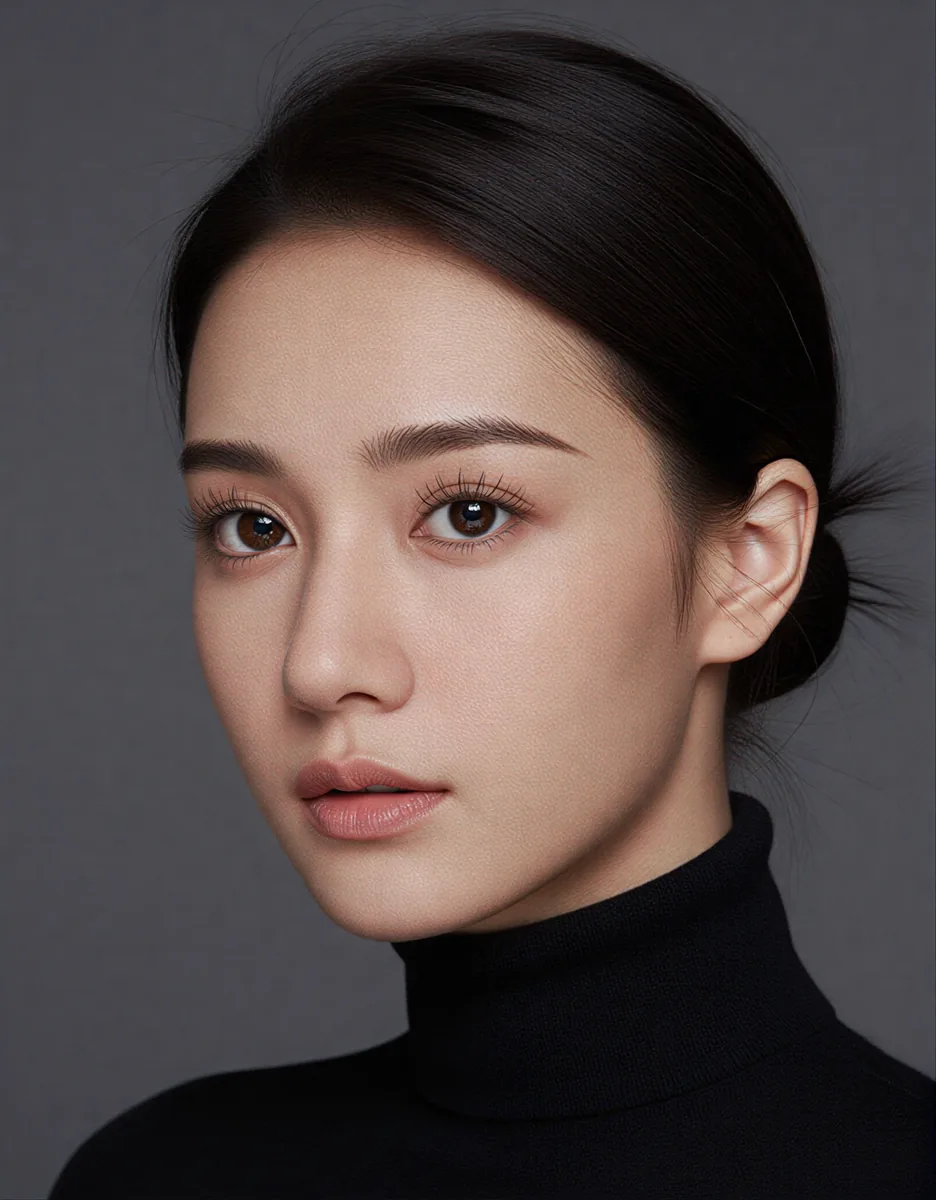
One Character, Every Model: A Per-Model LoRA Library
If you switch between Krea 2, Z-Image, and FLUX, a single LoRA per character isn't enough. Here's how to structure a character record so the right LoRA loads automatically.
RunPod Network Volumes: The Space Check That Lies
df on a RunPod network volume reports the whole cluster, not your usage — here's what actually tells you how much room you have, and the other setup traps that waste a pod's first hour.
Upscaling Minutes of Video on One GPU, Not Three Seconds
LTX 2.5 refines in short windows, so long footage has to be chopped, processed, and stitched back together without losing sync. Here's how that actually works in ComfyUI.
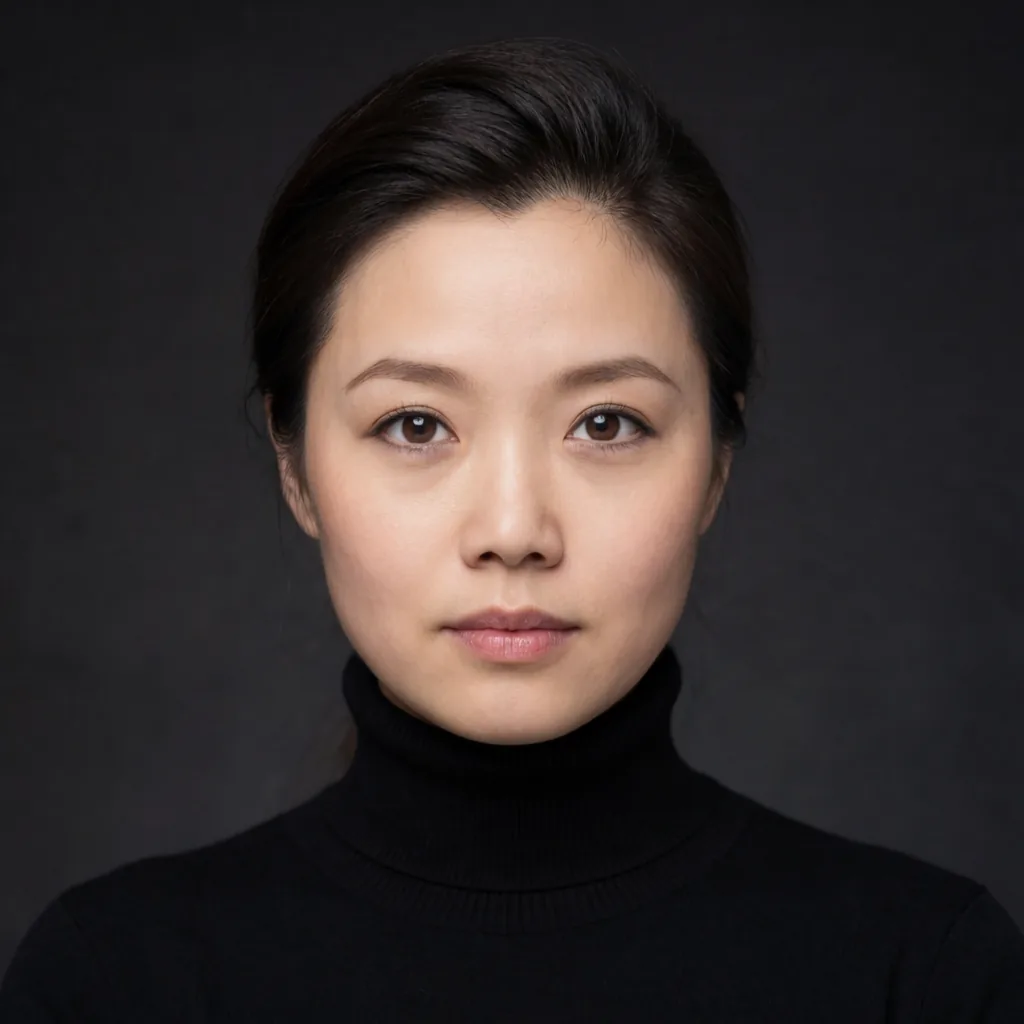
Getting Sharp Stills Out of a Video Model: The MiniMax H3 Recipe
H3 is built to move, not to sit still, but you can pull a genuinely sharp portrait out of it if you stop asking for one frame and start asking for five.
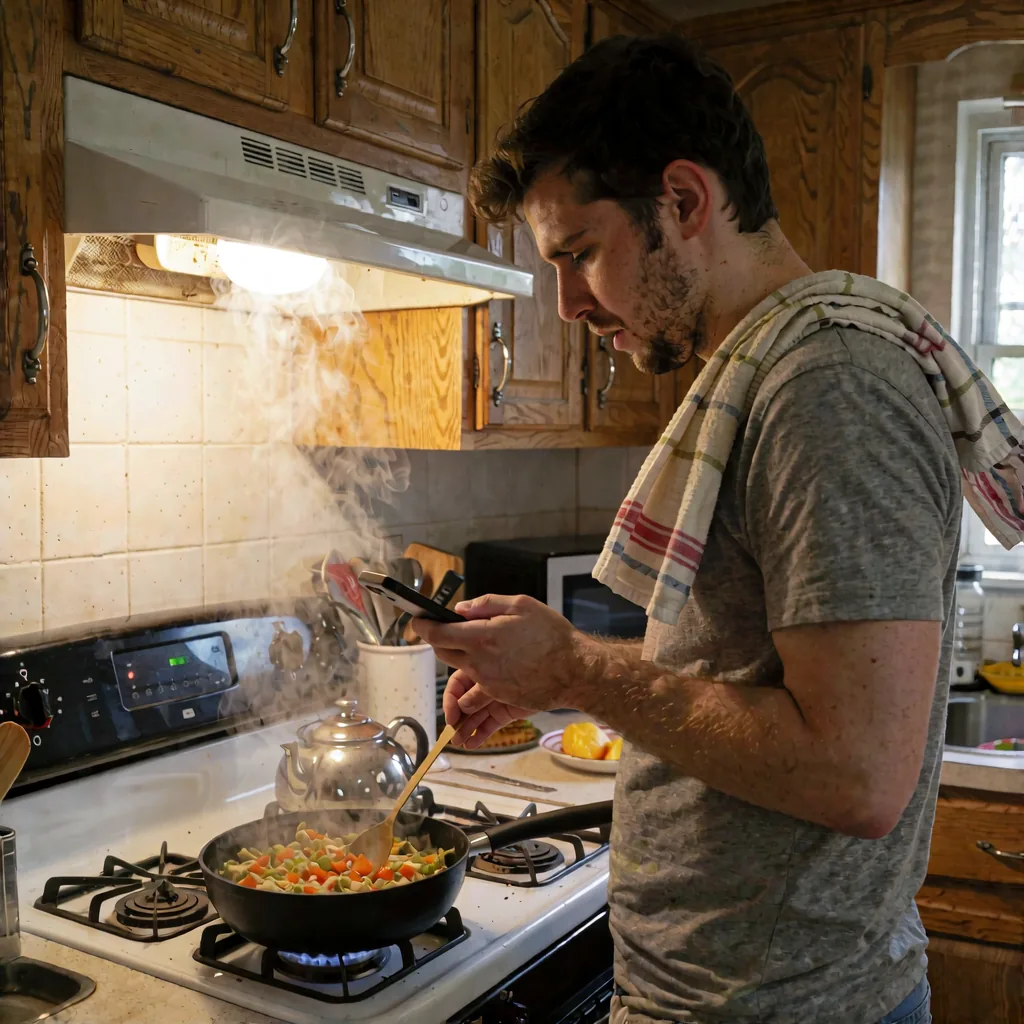
Bulk img2img with a Character: Denoise Is the Only Knob That Matters
When you run a character through a folder of reference images, almost every setting is fixed in advance. Denoise is the one dial you actually turn, and it decides whether you kept the photo or kept the face.
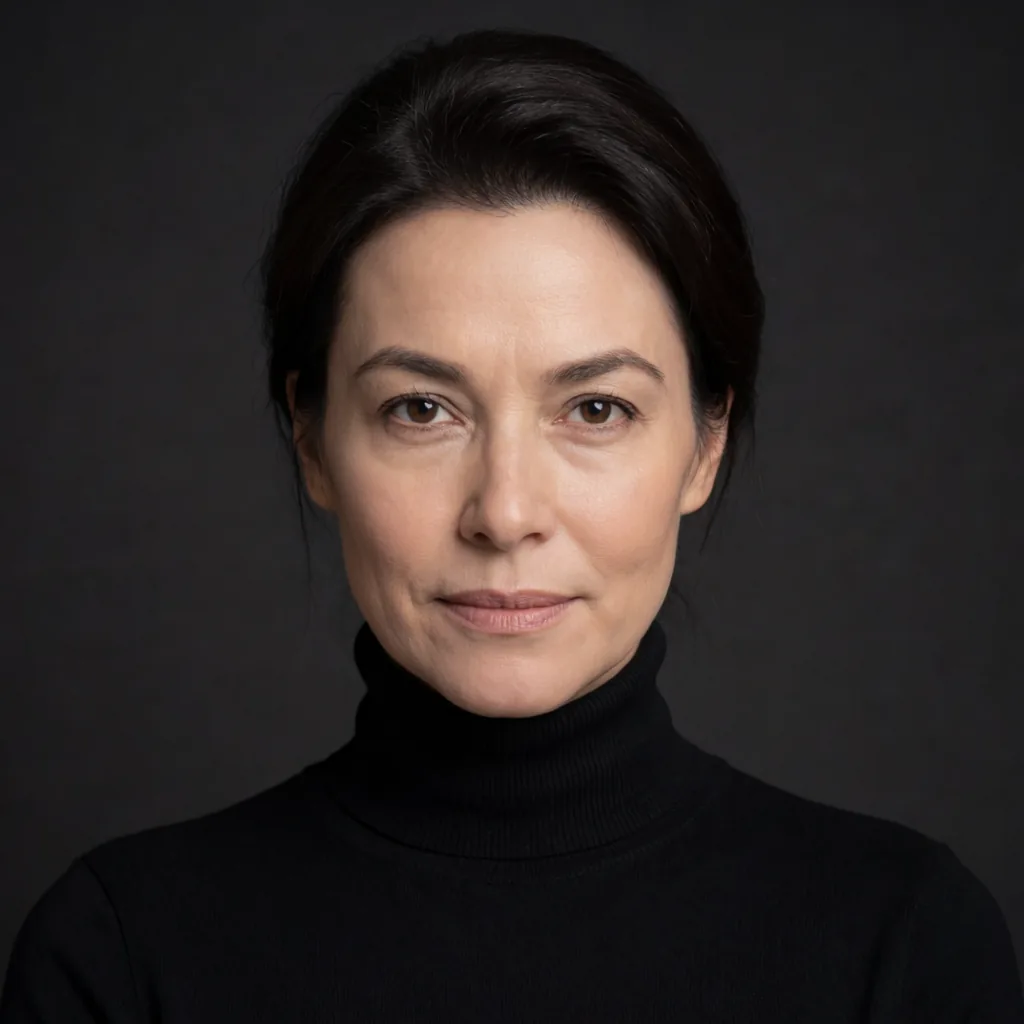
Reference Photo or Trained LoRA: Locking a Character's Face in Krea 2
Krea 2 gives you two ways to hold a face steady across a shoot: drop in a reference photo, or train a LoRA. They're not competing options, they're different tools for different jobs.
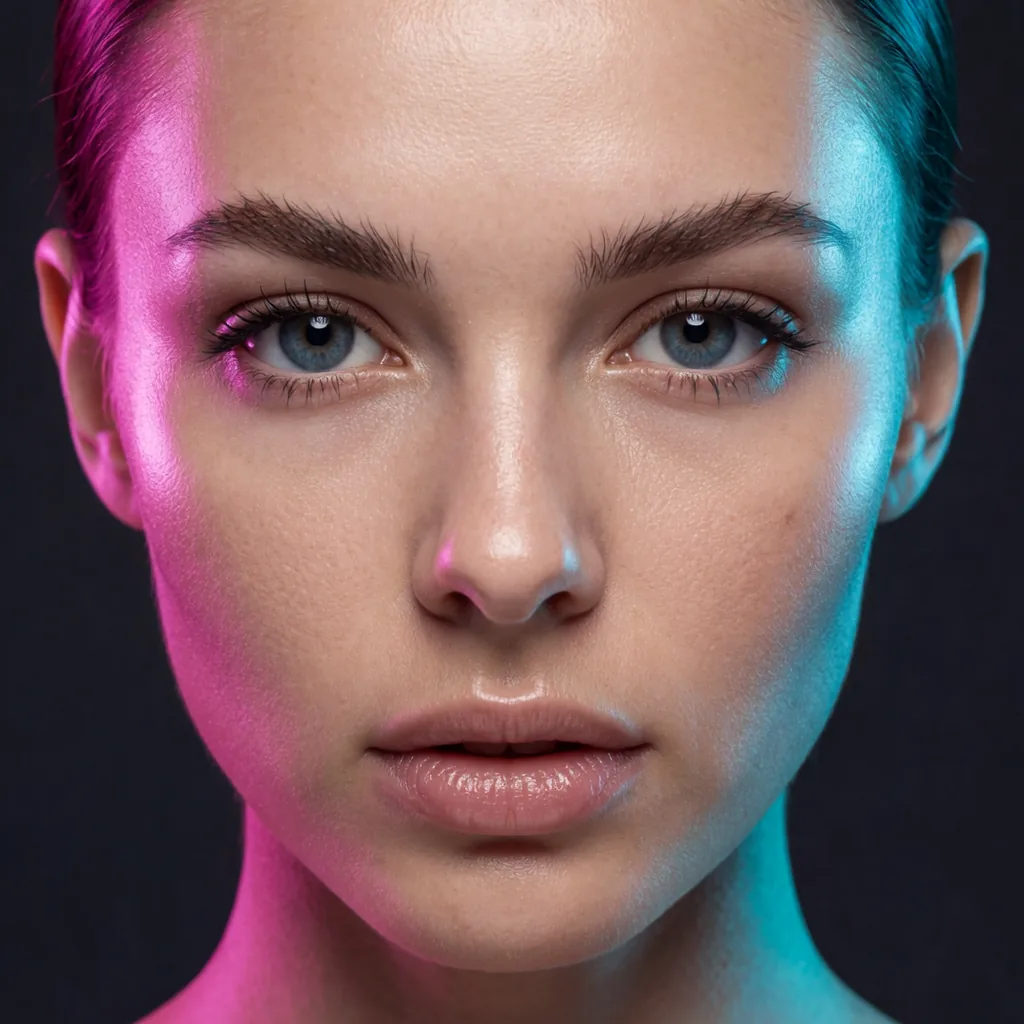
Plastic Skin in Krea 2 Is Three Small Smoothings, Not One Fix
Everyone hunts for the single setting that causes airbrushed skin. There isn't one — it's three passes each smoothing a little, and the fix is to stop adding smoothing where you don't need it.
One LoRA Stack Per Image, Picked by a Router, Not You
Batch jobs usually get one global LoRA stack applied to every image. A caption-reading router can instead pick a different stack per image, log its reasoning, and let you override only the character.
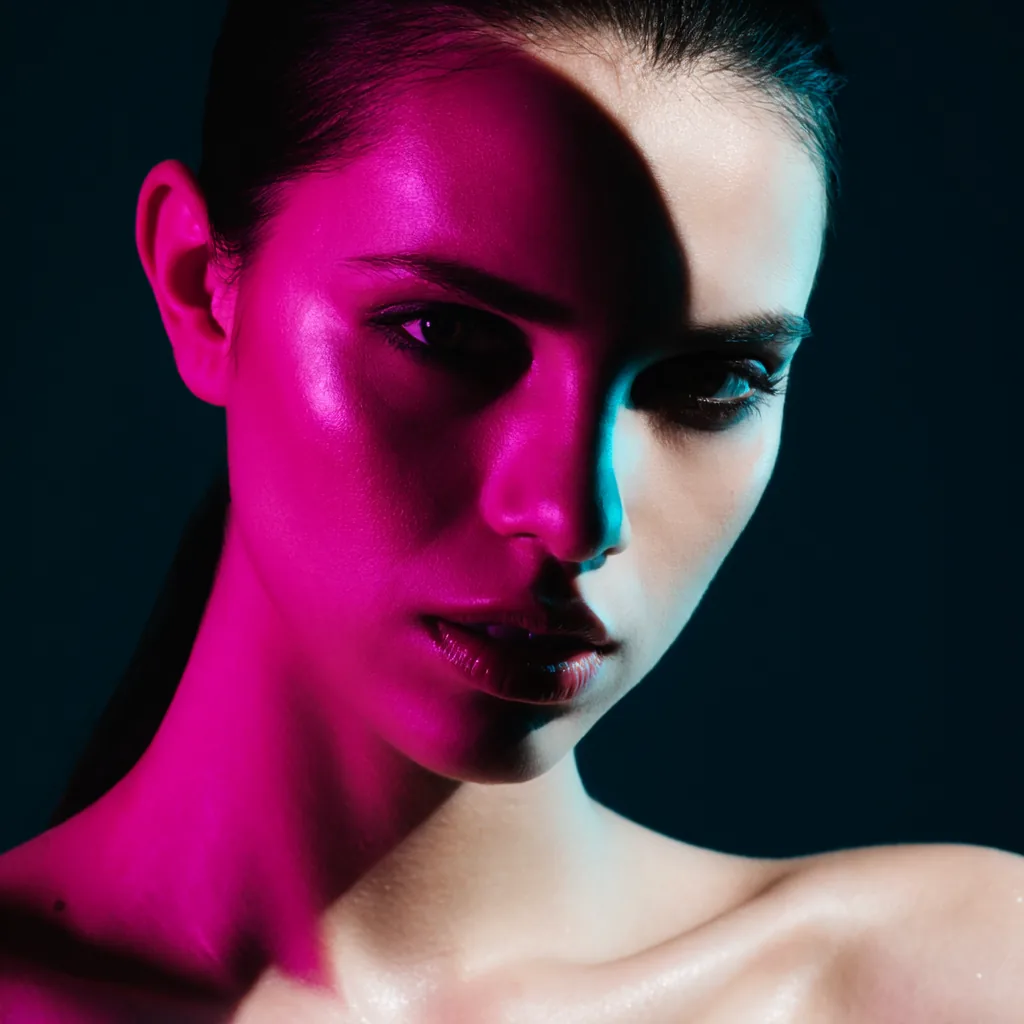
CFG 1 and the Dead Negative Prompt
Krea 2's turbo-style sampling runs at CFG 1.0, which means your negative prompt is doing nothing. Here's where to put exclusions instead.
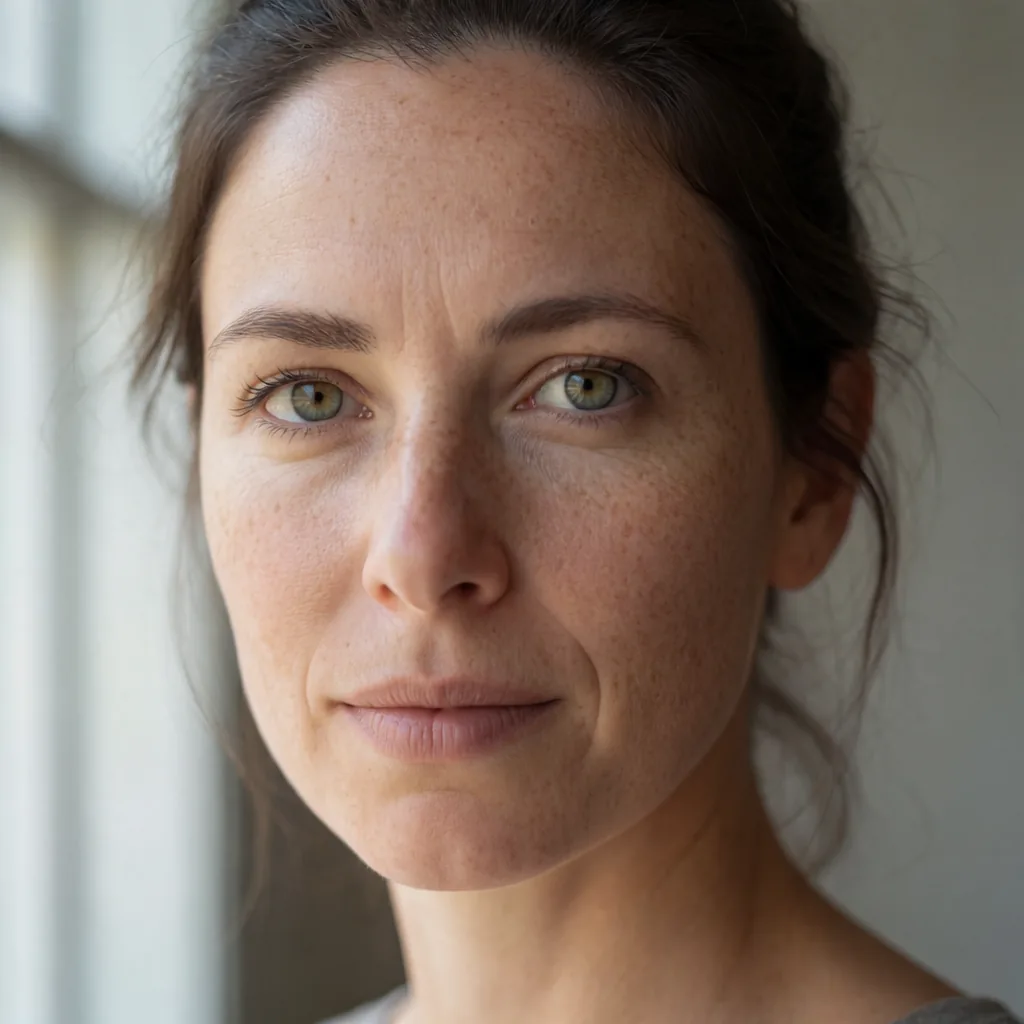
Krea 2 Skin Speckle: Two Separate Bugs, Two Separate Fixes
Krea 2 speckle is actually two artifacts stacked on top of each other, and they come from different parts of your pipeline. Fix them separately or you'll chase the wrong setting forever.