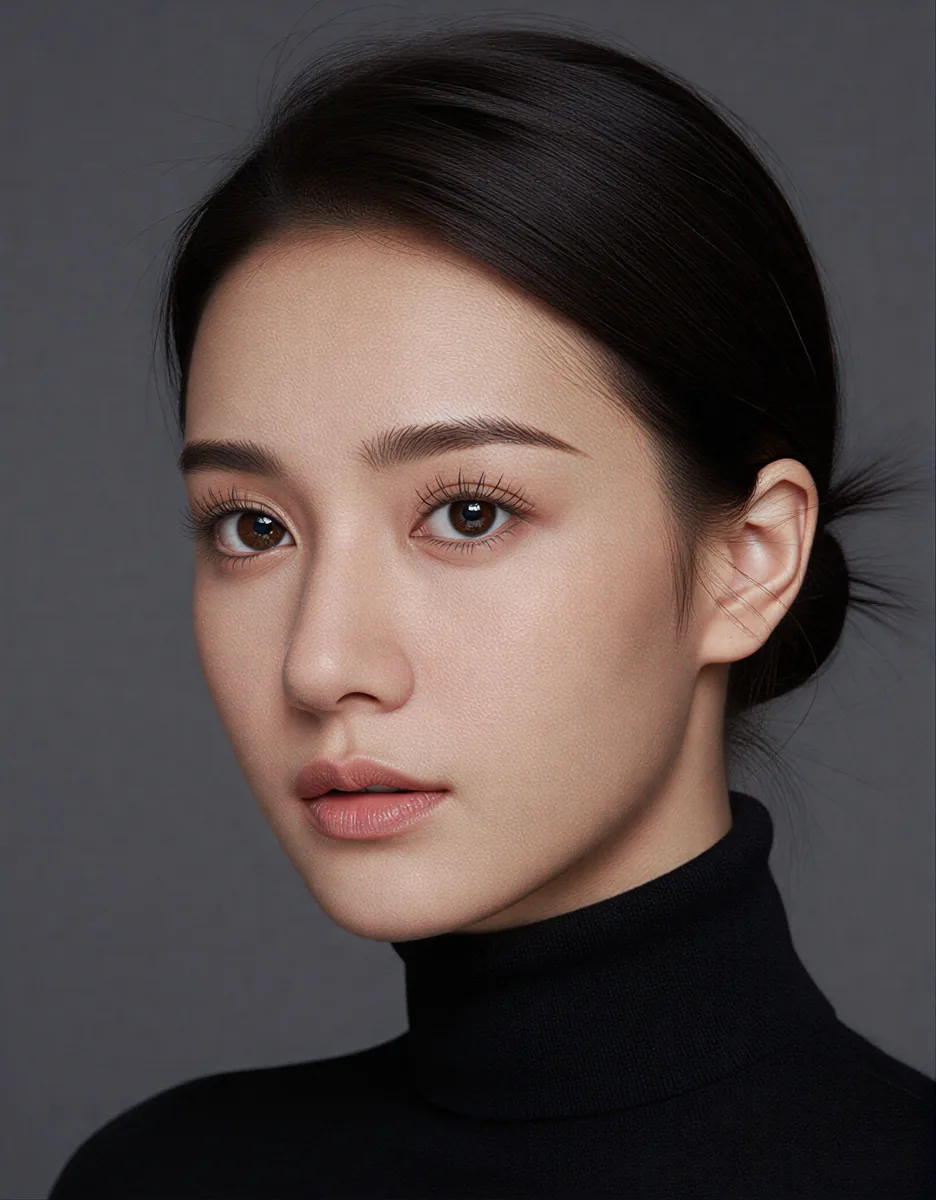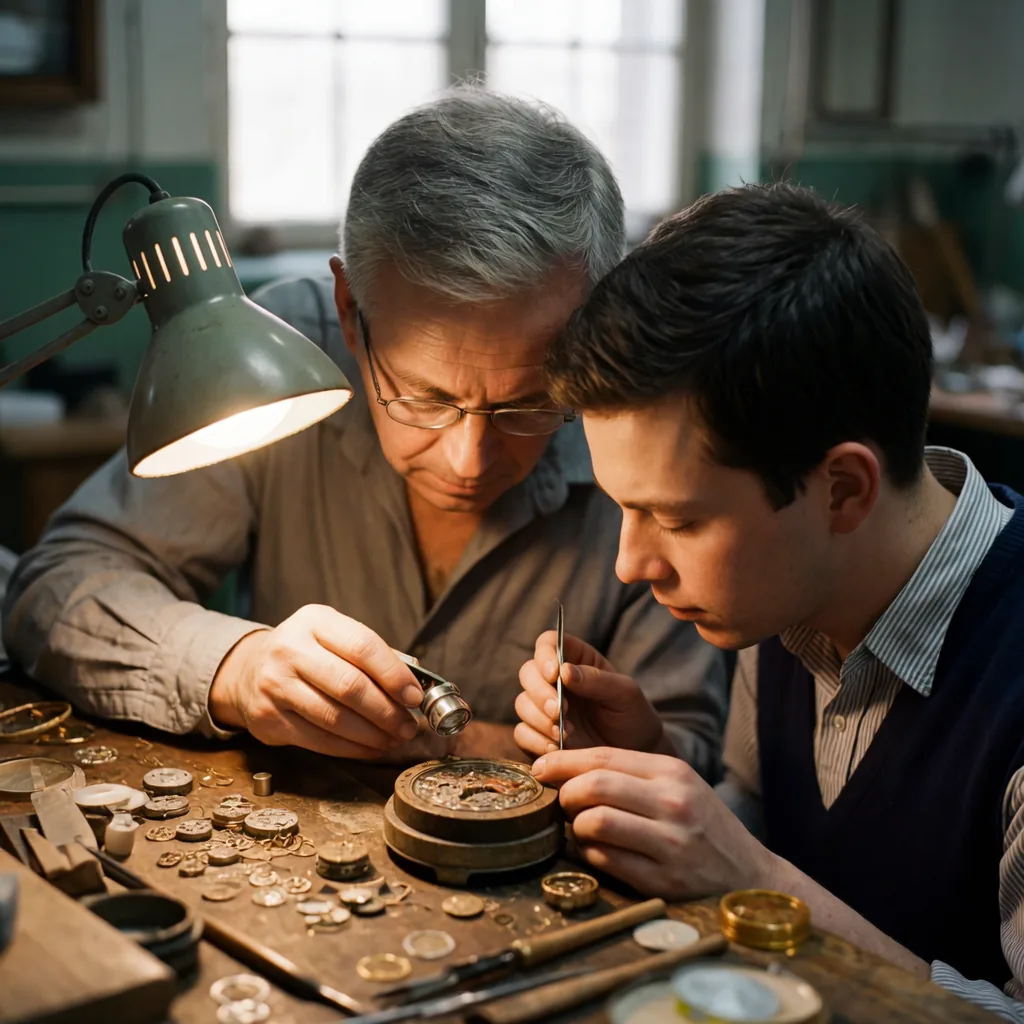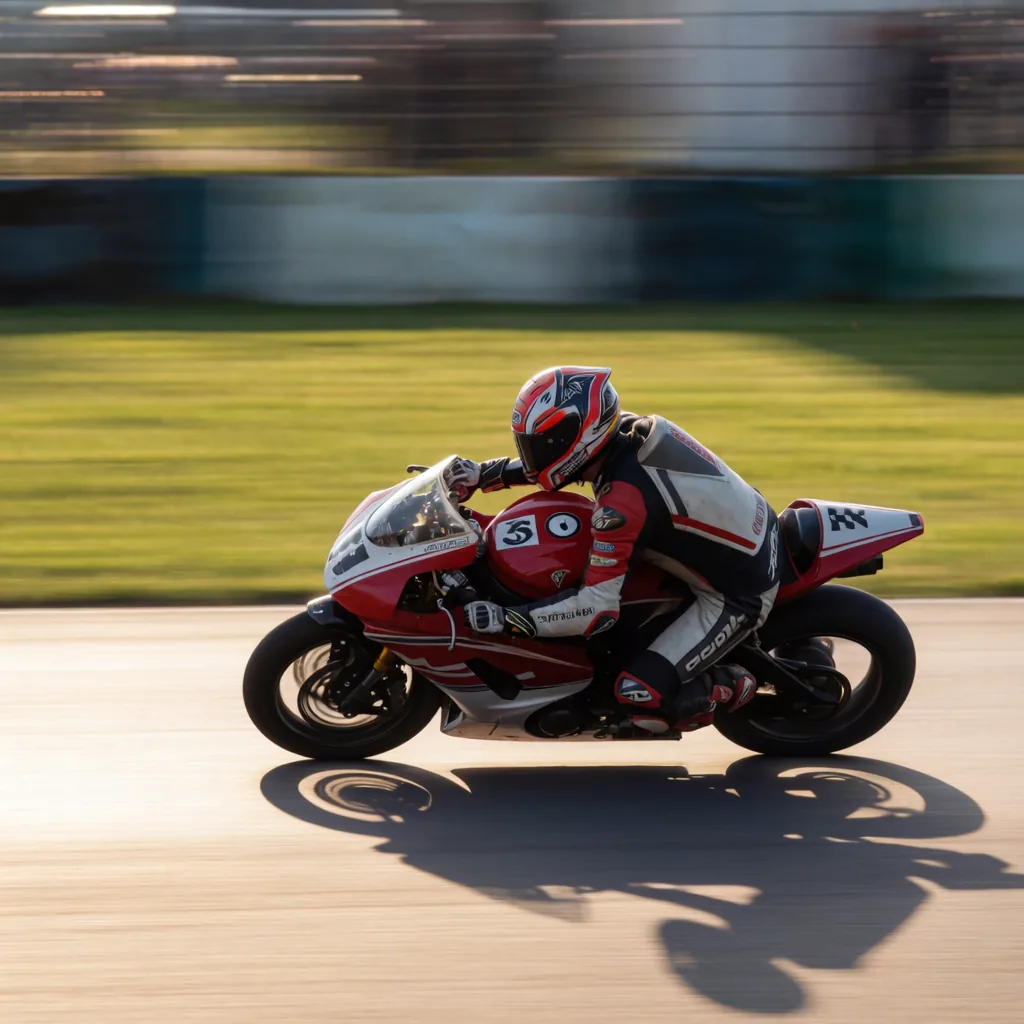
Both of these models run fine on a 24 GB card, so the choice isn't about hardware. It's about what you're trying to produce: a fast, believable face with no particular identity attached, or a specific character who has to look like themselves across a hundred generations.
Those are different jobs. Z-Image Turbo and Krea 2 are not interchangeable for both.
Where Z-Image Turbo Wins
Z-Image Turbo is fast. That's the headline, but speed isn't the only reason to use it. The base photoreal output holds up well without heavy post-processing, which matters when you're iterating on composition, lighting, or pose and don't want to wait around for each pass.
The pairing that works best here is Z-Image Turbo for the base generation, then FaceDetailer to clean up the face region, then a SeedVR2 finish to pull the final image up to delivery resolution. That three-step chain gets you sharp, photoreal results fast, and none of the steps are slow enough to make you reconsider your workflow.
If you're not locking a specific identity — generic portraits, stock-style faces, exploratory batches — this is the setup to default to. The Z-Image Turbo workflow has this chain built in, so you're not assembling it node by node.
Where Krea 2 Wins
The moment you introduce a trained LoRA meant to lock a specific identity, the picture changes. In our comparison, Krea 2 held likeness better than Z-Image Turbo when a character LoRA was in the loop.
This matters more than it sounds like it should. A model that's great at generic photoreal output but drifts on identity is useless for recurring characters — the kind you use across a shoot, a campaign, or a video series. If the face changes nose shape or jaw structure every third image, you're not running a character, you're running a slot machine.
Krea 2 doesn't have that problem to the same degree. If your pipeline depends on a trained face staying recognizable across dozens or hundreds of generations, that's the deciding factor, full stop. Speed is a nice-to-have. Identity consistency is the job.
The Krea 2 workflow is the starting point if you're going this route. If you're training a new LoRA from a single reference photo, the dataset-from-one-face lesson walks through building something a LoRA can actually learn from — garbage data undermines even a model good at holding likeness.
The Decision in Practice
In production this usually breaks down to a simple question: does this image need to be a specific person, or does it just need to look like a person?
- No fixed identity, need speed: Z-Image Turbo with FaceDetailer and a SeedVR2 pass.
- Fixed identity via LoRA, likeness is the deliverable: Krea 2.
It's tempting to try to standardize on one model for everything to simplify your setup. Resist that. The cost of using the wrong tool here isn't subtle — either you're burning time waiting on generations you didn't need to wait on, or you're shipping a character whose face wanders from image to image. Neither is acceptable once a client or a project is counting on consistency.
One thing to watch with Krea 2 regardless of which path you take: skin can get a flat, over-smoothed look if you're not careful with your detail settings, a separate issue from the likeness question. If you run into that, the face detail lesson covers how to keep skin texture without losing sharpness.
A Note on Mixing the Two
There's no rule that says a single project has to use one model throughout. A common pattern is to rough out composition and lighting fast with Z-Image Turbo, confirm the shot works, and then switch to Krea 2 for the final identity-locked pass once you know what you're building toward. You lose a little time re-rendering, but you save a lot more by not iterating slowly on the model that holds likeness, when all you needed at that stage was speed.
If you're training LoRAs for this kind of identity-locked work, the LoRA trainer handles the training step, and it's worth pairing with a dataset built specifically for consistency rather than one scraped together from whatever photos were on hand.
Takeaway
Use Z-Image Turbo when you need fast, photoreal output and identity isn't fixed. Use Krea 2 when a trained LoRA has to hold a specific face across many generations. Don't force one model to do both jobs just to keep your workflow simpler — the Krea 2 workflow and the Z-Image Turbo workflow are both free to try side by side on the same prompt.