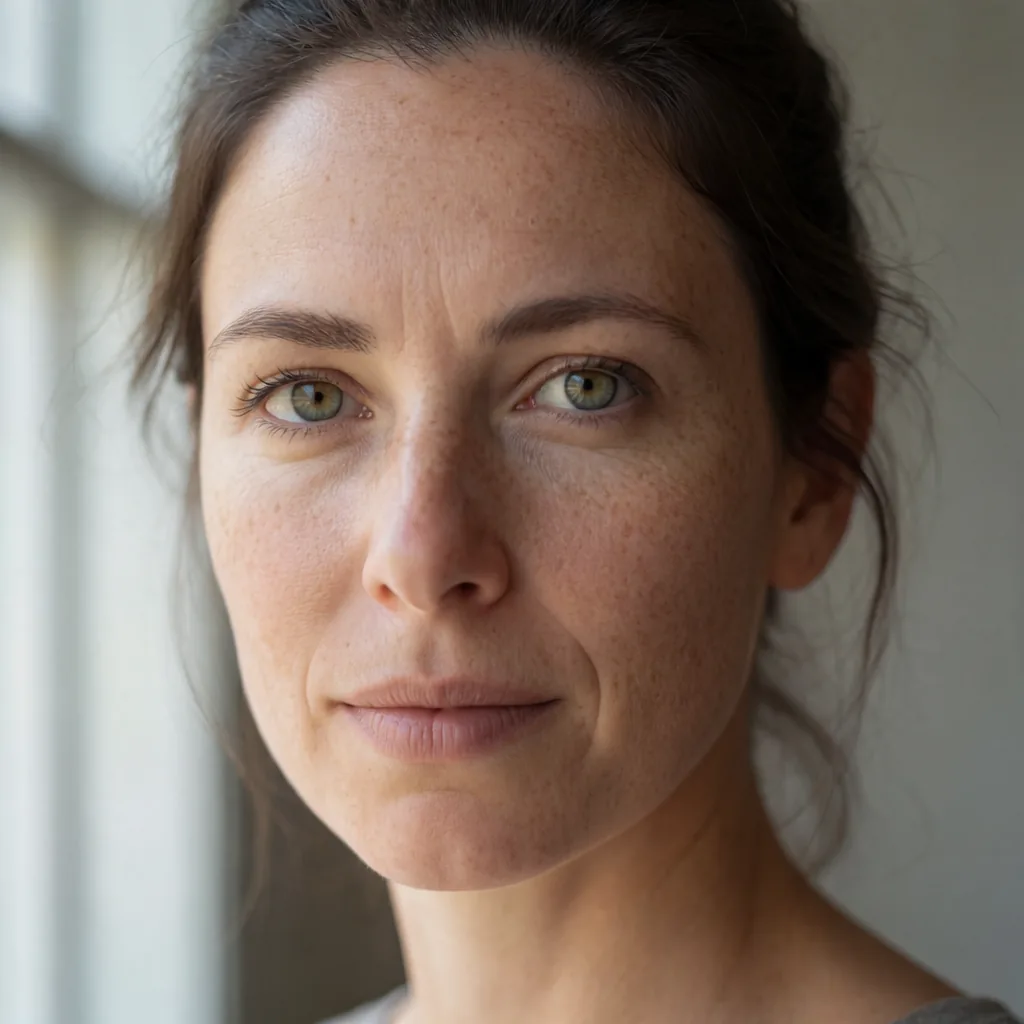
If you've zoomed into a Krea 2 render and seen the skin looking like it's dusted with fine grain, or flat backgrounds dotted with little coloured flecks, you're not imagining it. These are two separate artifacts with two separate causes. Fixing one doesn't touch the other, which is why a lot of troubleshooting on this goes in circles.
The confetti problem
Coloured speckle in flat areas (sky, walls, out-of-focus background) usually comes from sampler-extension node chains. These are the nodes that inject extra noise or guidance between steps to push detail or coherence. They're useful for some models, but with Krea 2 they leave behind small coloured artifacts that show up most clearly against flat, low-detail backgrounds.
The fix is blunt: drop the extension chain and go back to a plain KSampler. Specifically:
- Sampler:
res_2s - Scheduler:
beta - Steps: 20
- CFG: 1.0
This combination removes the confetti because there's no longer anything injecting noise between steps. If you've built a pipeline around sampler extensions for other models, treat Krea 2 as the exception and strip them out for this checkpoint specifically.
The skin grain problem
The second artifact is different. It's fine light/dark grain across skin texture, not colour confetti, and it doesn't come from the sampler at all. It comes from the checkpoint weights. If you're running Krea 2 in fp8, you'll see this grain on skin even with a clean sampler setup.
Switching to the same fine-tune in int8 removes it. Specifically, the IntoRealism v5.0 build does not show the grain that the fp8 version does. Same model lineage, different weight precision, visibly different skin result up close.
This matters because a lot of people assume fp8 is just a faster, slightly-lower-quality version of the same output. For Krea 2 skin rendering, it's not a minor quality trade — it's a visible texture artifact that shows up specifically where people look first: faces and skin.
Why you might not have noticed either one
Both artifacts are easy to miss if you're judging images at preview resolution. Confetti in a background blur and fine grain in skin texture both get smoothed out or hidden when ComfyUI downscales a preview for display. The image looks clean, you move on, and then you upscale or export at full resolution and suddenly the speckle is obvious.
The fix for judging, not for rendering, is to crop in. Take a 4x crop of a skin area and a 4x crop of a flat background section before you decide a render is clean. If you're evaluating prompts, LoRAs, or sampler settings and only looking at the full downscaled frame, you'll miss both of these artifacts every time and draw the wrong conclusions about what's actually causing quality problems.
Putting it together
The two fixes don't conflict, so there's no trade-off to manage:
Swap to a plain KSampler with the settings above to kill the confetti, and switch to an int8 build like IntoRealism if you need clean skin and are currently running fp8. Do both and you're dealing with neither artifact.
If you're not sure which artifact you're looking at, the background crop tells you. Confetti shows up in flat background areas and responds to the sampler change. Grain shows up specifically on skin and responds to the weight format change. If you see both, you need both fixes — one won't cover the other.
Worth noting: these are bugs in combination, not a sign that Krea 2 is inherently noisy. A properly configured plain-sampler, int8 pipeline produces clean results at 4x crop, which is a useful sanity check if you're trying to isolate a problem elsewhere in your workflow (bad LoRA weights, wrong CFG for a different model, etc.) and want to rule out these two known issues first.
For a closer look at exactly how these artifacts look at the pixel level, the lesson on Krea 2 speckle walks through side-by-side crops. If you want a working starting point, the free Krea 2 workflow already uses the plain-sampler recipe, and the Krea 2 IntoRealism workflow is set up with the int8 build so you don't have to swap checkpoints yourself.
Takeaway: when you see speckle in a Krea 2 render, don't guess — crop into a flat background and a skin patch separately, because you're likely looking at two unrelated bugs that need two unrelated fixes.