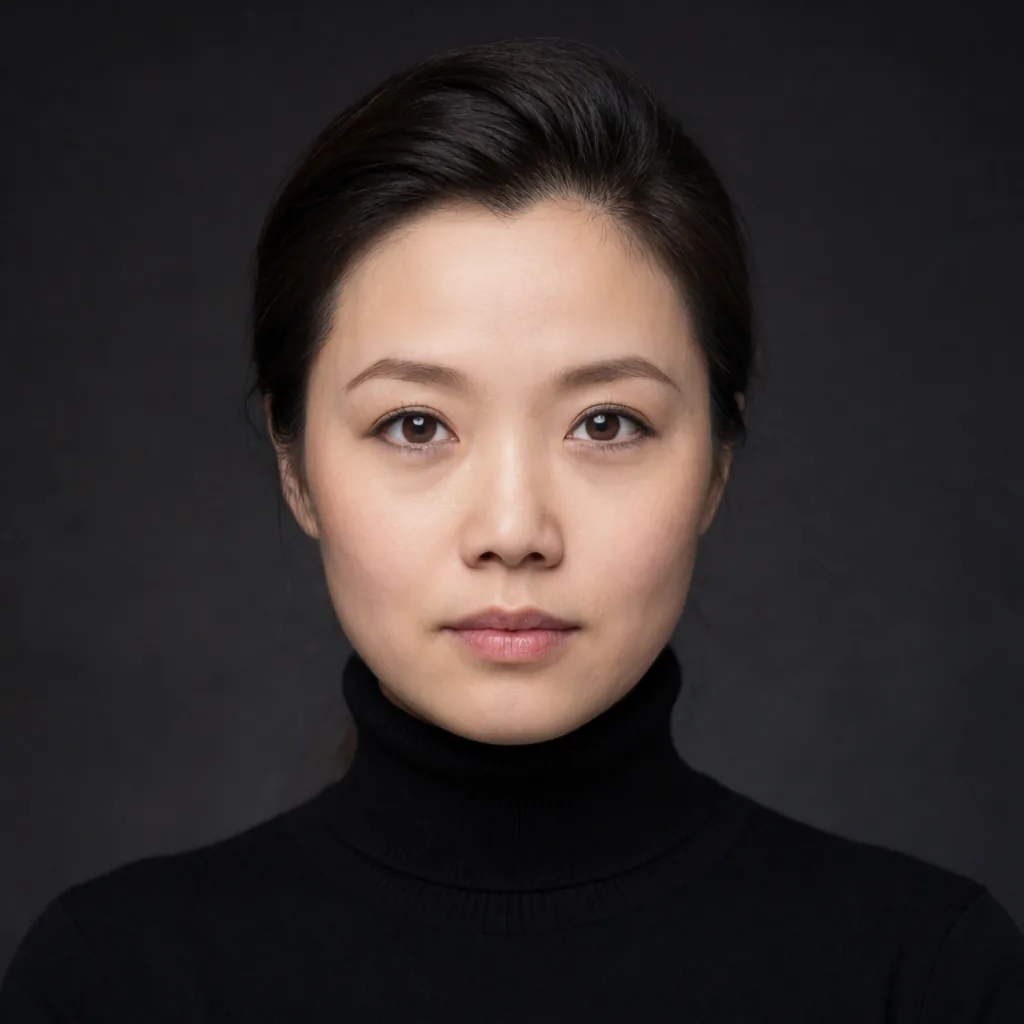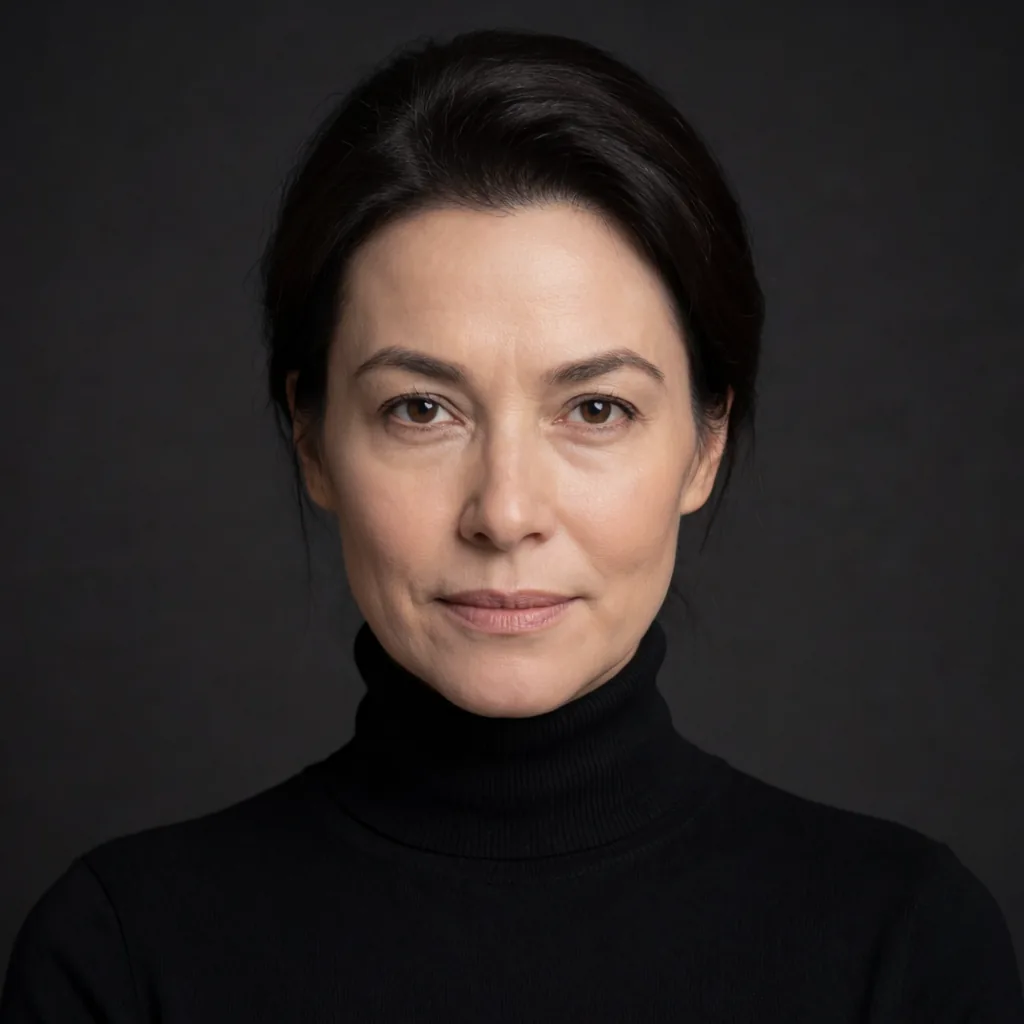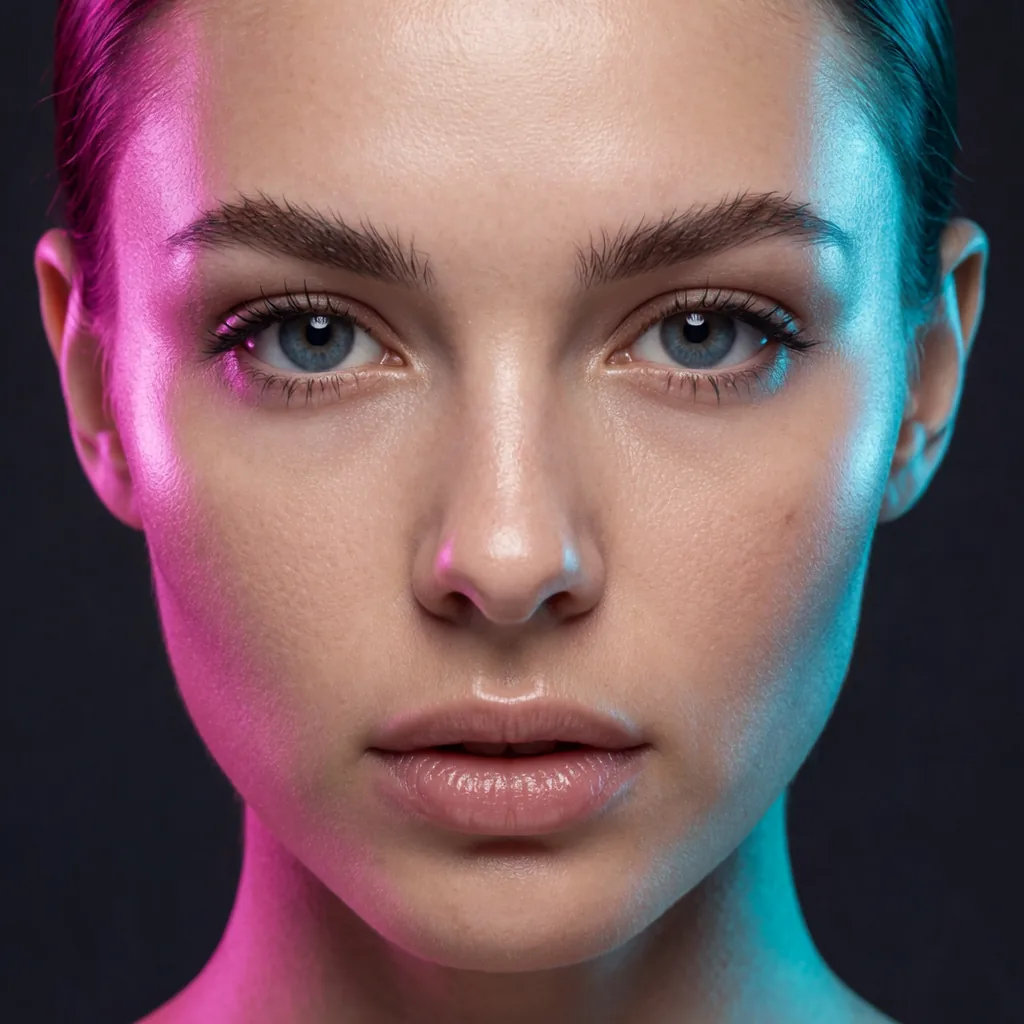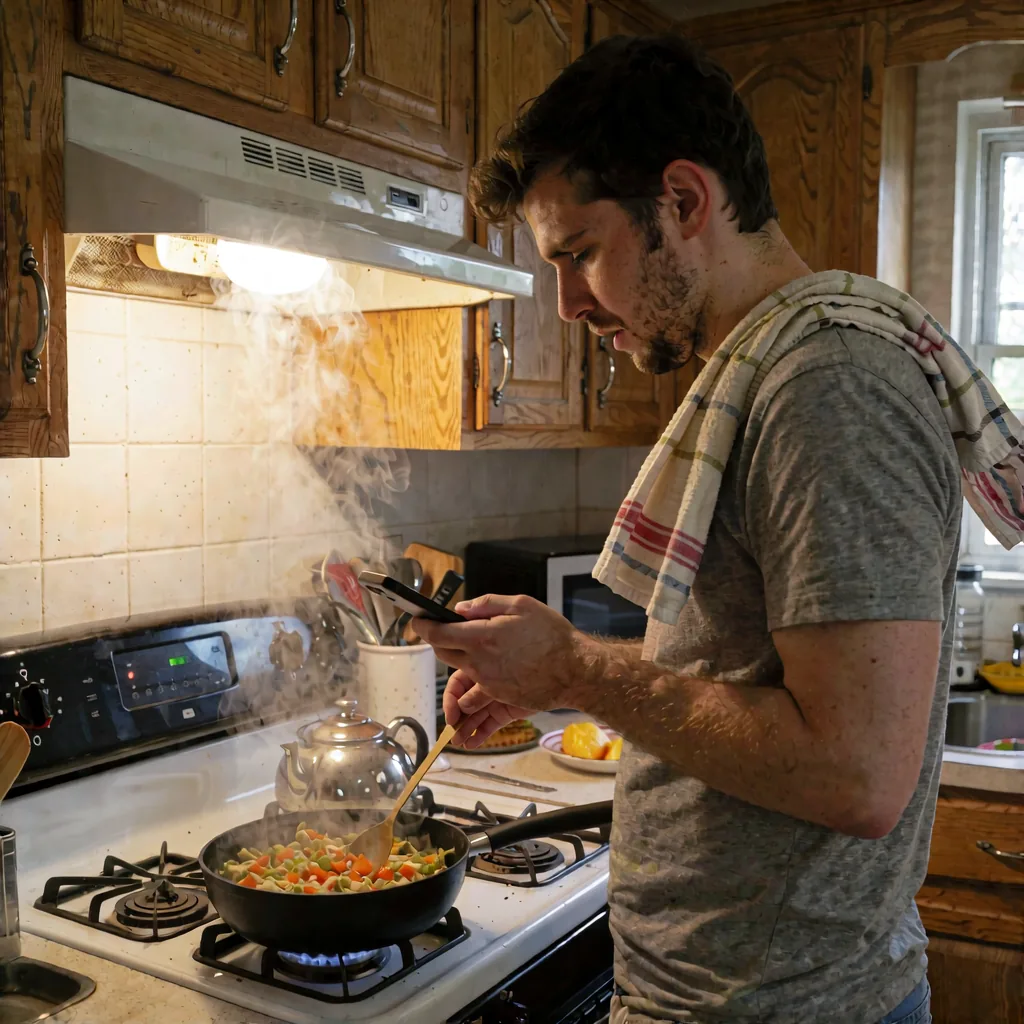
Bulk img2img sounds complicated until you actually set one up. Point the workflow at a folder, set Batch count to the number of files in it, and ComfyUI works through the folder one image at a time. That part is mechanical. The part that decides whether the output is usable is denoise.
What denoise is actually doing here
In a normal single-image generation, denoise interacts with a dozen other settings. In bulk character work, most of those other settings are already locked — the LoRA is fixed, the sampler is fixed, the captioning approach is fixed. Denoise is the variable left standing, and it's doing one specific job: deciding how much of the original photo survives versus how much the character LoRA gets to overwrite.
Low denoise, the source image wins. High denoise, the character wins. There's no setting that splits the difference gracefully — you're always choosing a point on that line, and for most batches, the useful range is narrow.
Why 0.55 and 0.70 are the two numbers worth knowing
Around 0.55, the original picture holds its shape. Pose, background, lighting, composition — all of that stays close to the source. The character LoRA nudges the face and skin toward your trained identity but doesn't fight the rest of the image. This is the setting to use when the reference photos are already doing most of the work and you just need the face swapped in convincingly.
Around 0.70, the character gets more say. The LoRA has more room to reshape things — not just the face, but how the character tends to render overall. This is useful when the source images are rougher, or when you want the batch to look more consistently "your character" and less like a face pasted onto someone else's photo.
There's no universal correct answer between the two. It depends on how much you trust the source folder versus how much you trust the LoRA. If you're not sure, run a small test batch at each setting before committing to the full folder — it's cheaper than running three hundred images and finding out at the end that you picked wrong.
Why the prompt doesn't need to fight the face
A detail that makes bulk runs easier to reason about: captions should describe only the scene — what's happening, the setting, the lighting, the action — and nothing about the character's face or features. The character LoRA already owns the face. If the caption also tries to describe facial features, you get two systems pulling on the same thing, and denoise stops behaving predictably because now it's mediating a disagreement instead of a single clean handoff.
Keep the caption narrow and denoise does its job cleanly. This matters more as the batch gets bigger, because small captioning inconsistencies across a folder compound across every single image you process.
If you haven't captioned a dataset this way before, the dataset-from-one-face lesson walks through the same scene-only approach, just applied to training instead of inference.
The face-detail pass isn't a separate problem
After the bulk pass, most batches benefit from a dedicated face-detail step. The key thing: that pass reuses the same character LoRA. It's not a generic sharpening or detailer — it's the same identity being refined, which is why faces stay consistent across the whole folder instead of drifting toward generic-detailer-face on some images and staying on-model on others.
If your face-detail outputs are coming back overly smooth or waxy, that's a separate tuning problem from denoise, and it's covered in the face detail without the plastic look lesson.
Running it at scale
Once the denoise range and captioning approach are sorted for a given folder, the rest is just throughput — batch count scales with however many files you're pointing the workflow at. For straightforward swaps, the Bulk Character Swap workflow handles the folder-to-output pipeline directly. If the source images vary more in pose or lighting and you want the LoRA weighting to adapt per image rather than stay fixed, the Dynamic LoRA version is built for that case.
Takeaway
Before touching anything else in a bulk run, decide what you're protecting: the photo or the face. That decision is denoise, it sits around 0.55 for photo-faithful swaps and 0.70 for character-faithful ones, and everything else in the workflow — scene-only captions, the shared LoRA in the face pass — exists to keep that one knob behaving the way you expect.