Workflows / MOSS-Image

Free workflow · new
MOSS-Image Layout — posters, covers, title cards
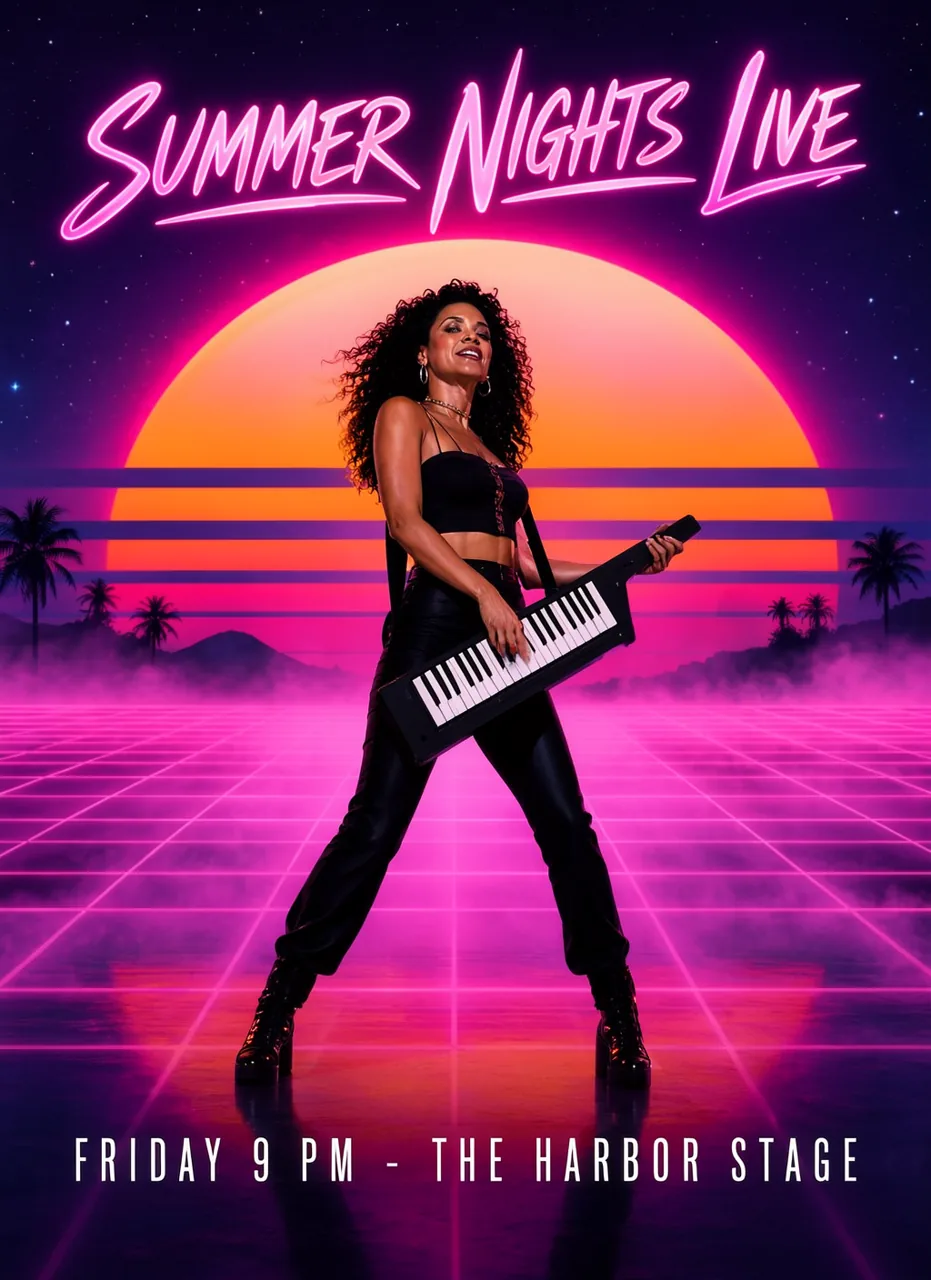
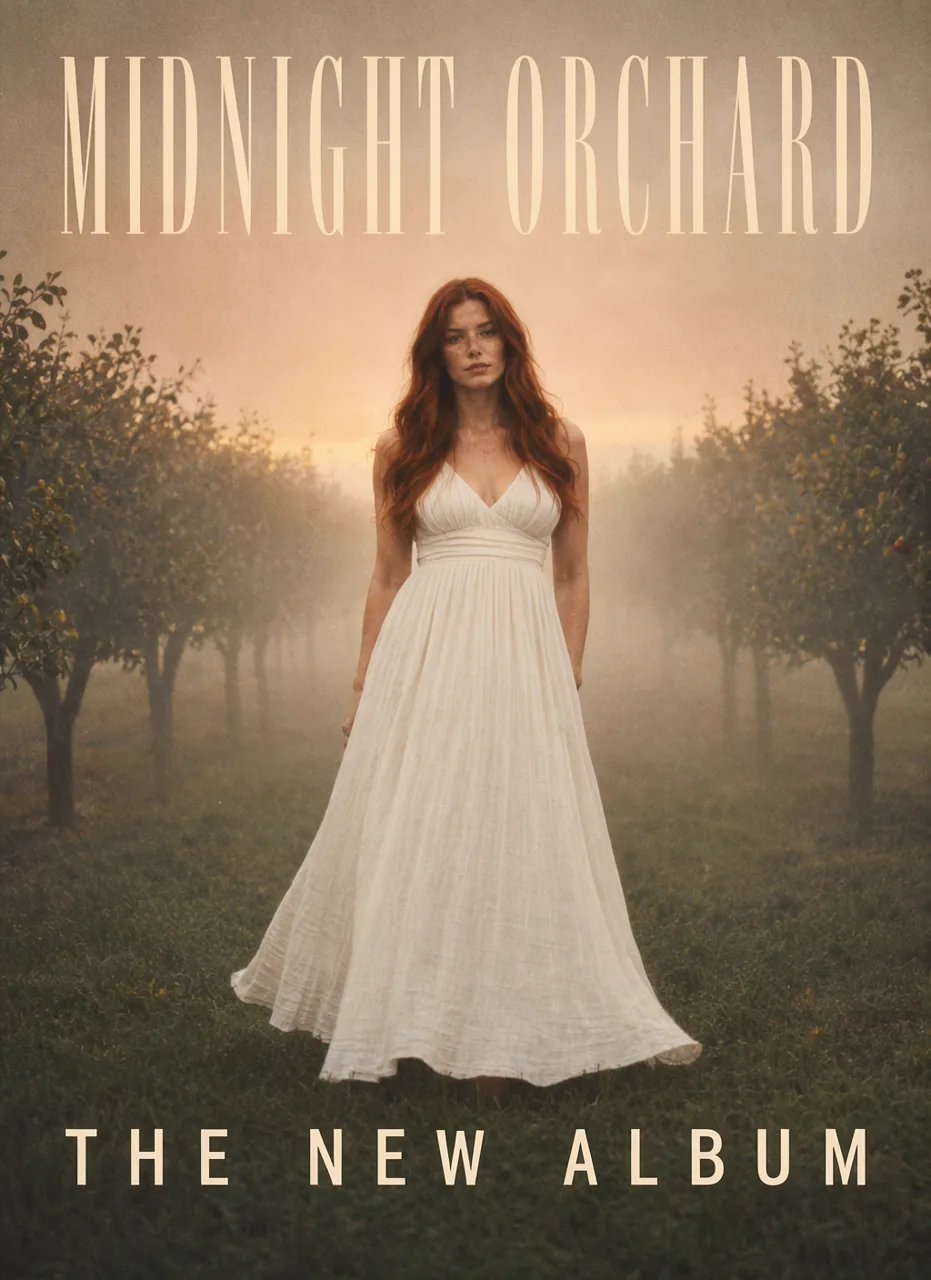
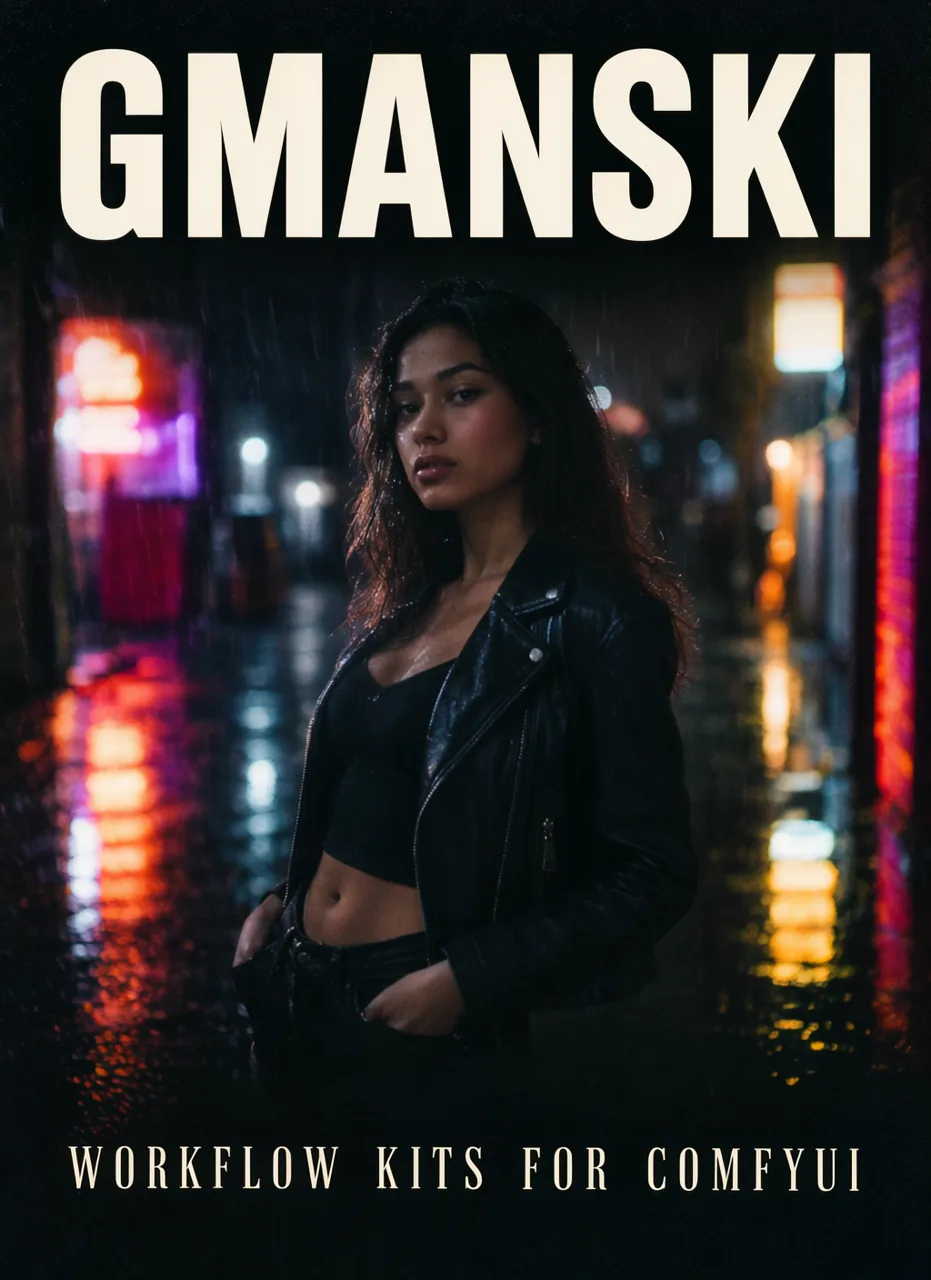
Draw the boxes. MOSS puts the words and the people where you said.
Text boxes render their text, object boxes get a caption, and MOSS-Image's layout prompt turns them plus your scene description into the JSON layout it was trained on. For the lettering jobs Krea 2 and H3 cannot do reliably.
Download workflow — free
Drag the .json onto ComfyUI. Runs best on the Gmanski RunPod template.
You get
- Gmanski MOSS (Layout) workflow with an example poster layout
You need
- ComfyUI 0.42+
- 16 GB VRAM
Model packs · Text to image
mossmoss-turboOn the template: gmanski-packs install moss moss-turbo
Pairs well with.
 MiniMax H3new
H3 Image Edit — up to 8 references
Edit a picture with other pictures, in 8 steps.
Intermediate · 24–48 GB$19
 MiniMax H3
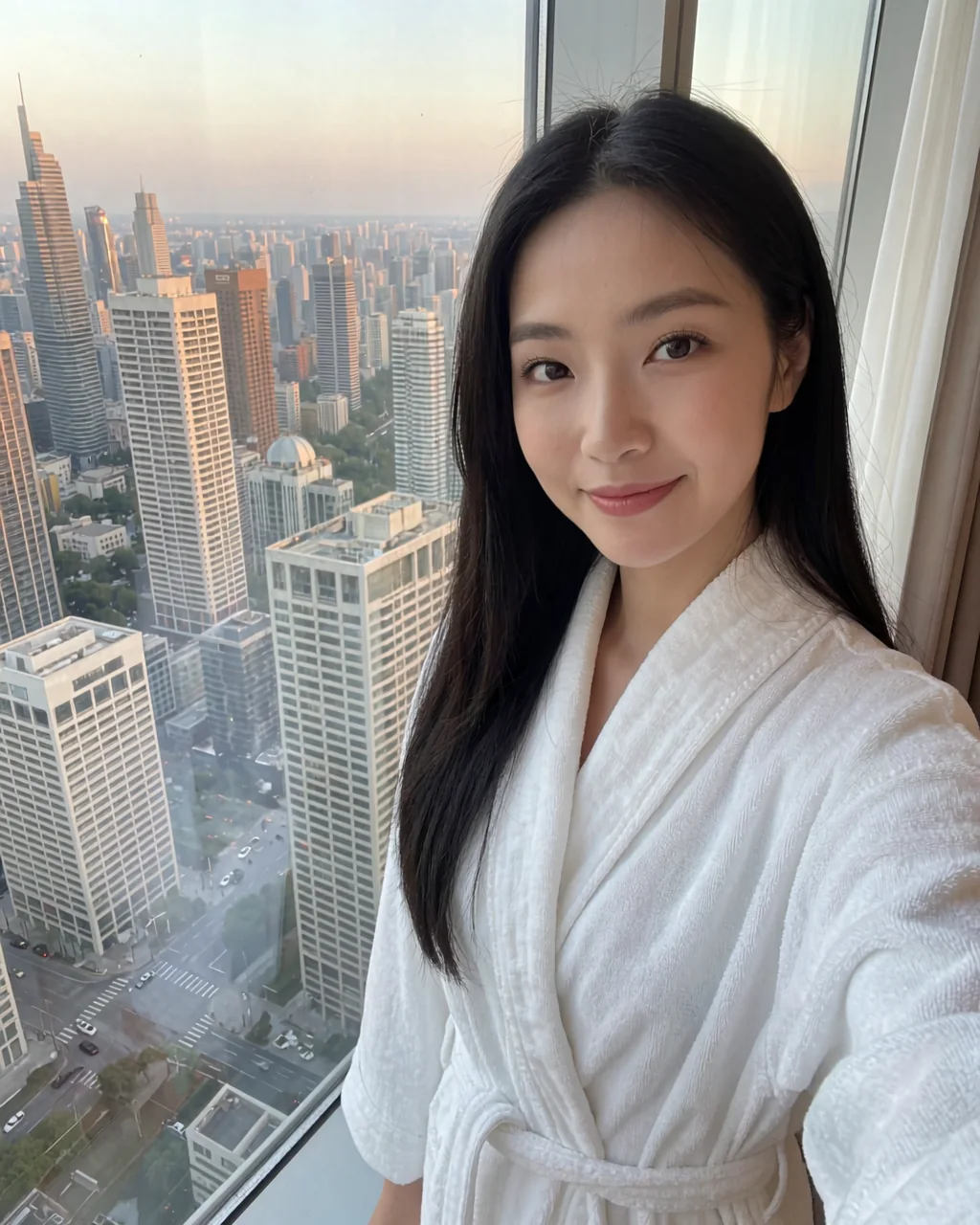
Character Portrait — one photo
A new photo of a person from a single reference picture. No training.
Beginner · 48 GB+$24
 MiniMax H3new
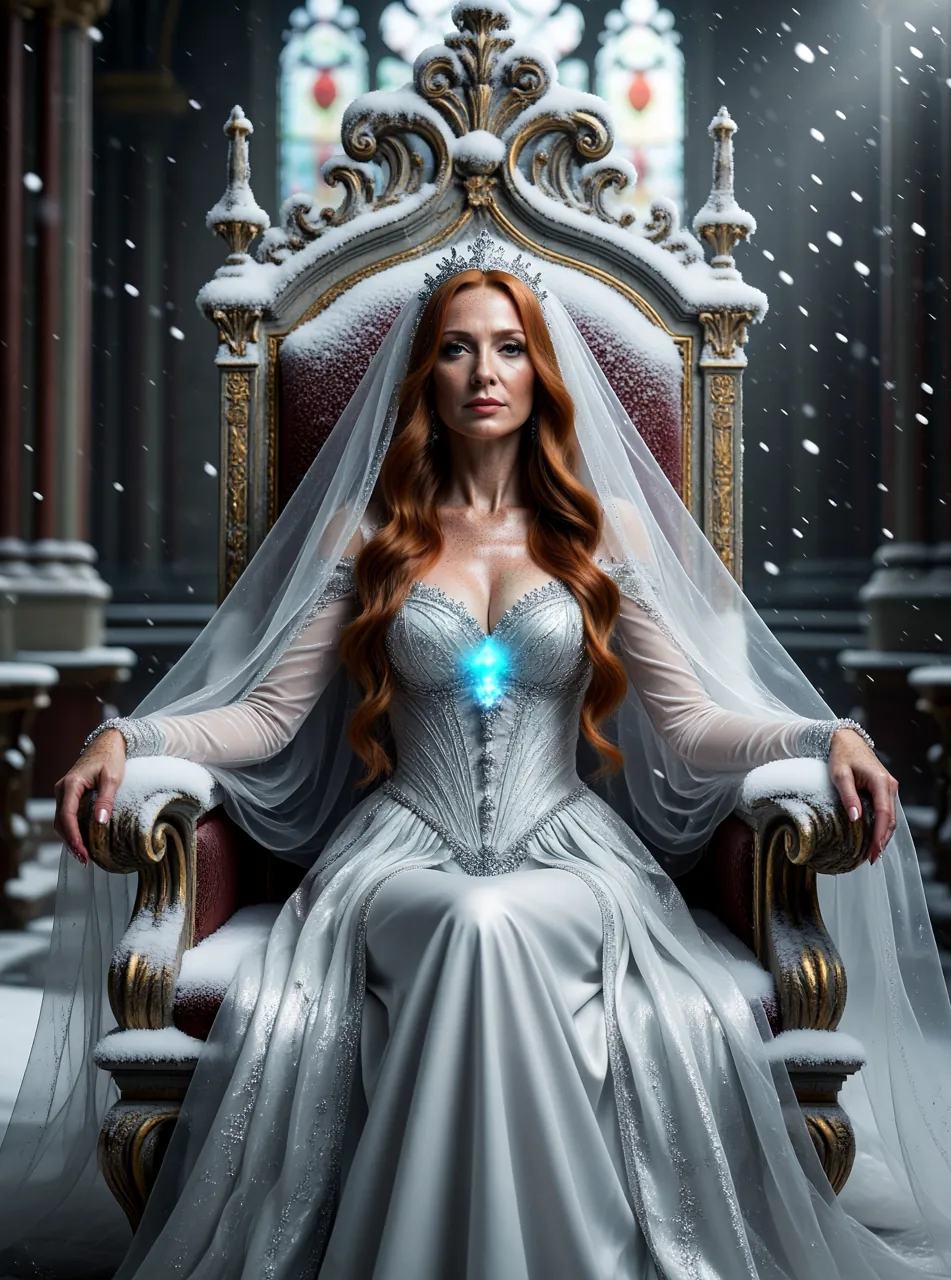
H3 Image — P-H3, 8 steps
H3's eye for light and skin as a still-image model.
Beginner · 24–48 GBFree